Android SDK Guide
This guide provides detailed instructions for integrating the Scanovate Colombia SDK into your Android application, enabling robust identity validation processes through facial biometric verification.
Requirements and Compatibility
Before starting the integration process, ensure your development environment meets the following requirements:
- Android Studio: The latest version is recommended for optimal compatibility.
- Minimum SDK Version: Android SDK version 24 (Nougat) or higher.
- Target SDK Version: Android SDK version 35 (Android 15) to ensure your app is compatible with the latest Android OS.
- Compile SDK Version: Android SDK version 36.
Installation
1. Add the library
Download the "hybridComponent_3_0_0_17.aar" library and add it to your project's libs folder. Ensure you configure your project's build.gradle file to include the library as a dependency:
dependencies {
implementation(name: 'hybridComponent_3_0_0_17', ext: 'aar')
}
2. Import Required Libraries
Add the following imports in your activity or fragment where you intend to use the Scanovate SDK:
Java
import mabel_tech.com.scanovate_sdk.ScanovateSDK;
import mabel_tech.com.scanovate_demo.HybridComponent;
import mabel_tech.com.scanovate_sdk.SdkResultHandler;
import mabel_tech.com.scanovate_sdk.data.model.ComponentCloseResult;
The CloseResponse object will contain the results of the transaction, providing detailed feedback on the validation process.
Implement in app/build.gradle:
dependencies {
    implementation(files("libs/hybridComponent_3_0_0_17.aar"))

    // Dependencies required by the SDK
    implementation(platform("androidx.compose:compose-bom:2026.02.00"))
    implementation("androidx.compose.ui:ui")
    implementation("androidx.compose.material3:material3:1.5.0-alpha14")
    implementation("androidx.activity:activity-compose:1.12.4")
    implementation("androidx.navigation:navigation-compose:2.7.7")
    implementation("androidx.lifecycle:lifecycle-viewmodel-compose:2.8.0")
    implementation("androidx.lifecycle:lifecycle-runtime-compose:2.8.0")
    implementation("androidx.security:security-crypto:1.1.0-alpha06")
    implementation("com.squareup.retrofit2:retrofit:2.9.0")
    implementation("com.squareup.retrofit2:converter-gson:2.9.0")
    implementation("com.squareup.okhttp3:okhttp:4.12.0")
    implementation("com.google.code.gson:gson:2.10.1")
    implementation("com.google.accompanist:accompanist-permissions:0.34.0")
    implementation("com.google.android.gms:play-services-location:21.3.0")
    implementation("org.jetbrains.kotlinx:kotlinx-coroutines-play-services:1.8.1")
    implementation("com.airbnb.android:lottie-compose:6.4.0")
}
Permissions
The SDK declares the necessary permissions in its own manifest. These are automatically merged upon compilation. Manual declaration is not required.
<uses-permission android:name="android.permission.INTERNET" />
<uses-permission android:name="android.permission.ACCESS_NETWORK_STATE" />
<uses-permission android:name="android.permission.CAMERA" />
<uses-permission android:name="android.permission.VIBRATE" />
<uses-permission android:name="android.permission.ACCESS_COARSE_LOCATION" />
<uses-permission android:name="android.permission.ACCESS_FINE_LOCATION" />
<uses-permission android:name="android.permission.WAKE_LOCK" />
Example Implementation
For a practical example of how to implement the Scanovate SDK in your Android application, refer to the following steps:
- Setup UI Elements: Initialize buttons, text views, and other UI elements in your activity's
onCreatemethod. This setup includes buttons for starting the enrollment and verification processes, a text view for displaying results, and an edit text for user input. - Invoke the SDK: Use the
HybridComponent.startmethod to launch the Scanovate SDK. This method requires several parameters, including language, project name, API key, product ID, and the SDK URL. It also allows you to specify the type of capture (e.g., liveness detection, document capture) and whether to capture the front or back side of a document. - Handle Callbacks: Implement
ScanovateHandlerto manage success and failure callbacks. On success, process theCloseResponseobject to display the transaction result. On failure, handle errors accordingly.
Example
// Example capture method implementationScanovateSDK.INSTANCE.start( this, // Activity "1", // documentType (String, número > 0) "es", // language ("es" o "en") "miProyecto", // projectNameSdk "mi-api-key", // apiKeySdk 1, // productId (int > 0) "https://servidor.com/miProyecto/api/", // urlSdk "https://tracer.com/api/EventTracer/", // urlTracerBackendService (opcional, "" si no aplica) "", // processId (opcional) 1, // functionCapture: 1 = Liveness, 2 = CardCapture true, // isFrontSide: true = frente, false = reverso "token", // token (opcional, "" si no aplica) "", // uidDevice (opcional, el SDK genera uno si está vacío) new SdkResultHandler() { @Override public void onSuccess(ComponentCloseResult result) { // Captura exitosa int statusCode = result.getStatusCode(); String message = result.getMessage(); boolean isAlive = result.isAlive(); String image = result.getImage(); // Base64 String keyProcess = result.getKeyProcessLiveness(); String uid = result.getUidDevice(); } @Override public void onFailure(ComponentCloseResult result) { // Error o cancelación int statusCode = result.getStatusCode(); String message = result.getMessage(); } } );
Parameters Explained
- language: Sets the language for the SDK's UI.
- projectName: Unique identifier for your project.
- apiKey: Authentication key provided by Scanovate.
- productId: Identifies the specific Scanovate product/service being used.
- sdkUrl: The base URL for making API calls to the Scanovate services.
- Url_TracerBackendServices: Url for the event reporting service is not required and is only an extra service. (Optional)
- ImmersiveMode: Mode to make the component consume all available space while hiding the system UI.
- Process_ID: Process identifier to perform the events mapped at the SDK level. (Optional)
- functionCapture: Specifies the operation mode of the SDK.
- documentSide: Determines which side of the document to capture.
- additionalParameters: Allows for passing any additional required parameters.
- completionHandler: Closure that handles the response or error from the SDK.
Process Transaction Results
After capturing the necessary data, use the RetrofitClient to send the data for validation and display the final state of the transaction to the user.
State Codes Reference
Be aware of the following state codes when processing responses:
200: "SUCCESS"201: "THE_NUMBER_OF_CONFIGURED_ATTEMPTS_WAS_EXCEEDED_AND_NO_LIFE_WAS_FOUND_IN_THESE"203: "TIMEOUT"302: "INTERNAL_ERROR"204: "CANCELED_PROCED"205: "PERMISSIONS_DENIED"401: "TOKEN_ERROR"404: "INVALID_CREDENTIALS"503: "CONNECTION_ERROR"
This guide aims to streamline the integration process of the Scanovate Colombia SDK into your Android application, ensuring you can efficiently implement a robust identity validation system.
Demo Application
For a comprehensive example, including full source code demonstrating the integration and usage of the Scanovate Colombia SDK, visit our GitHub repository:
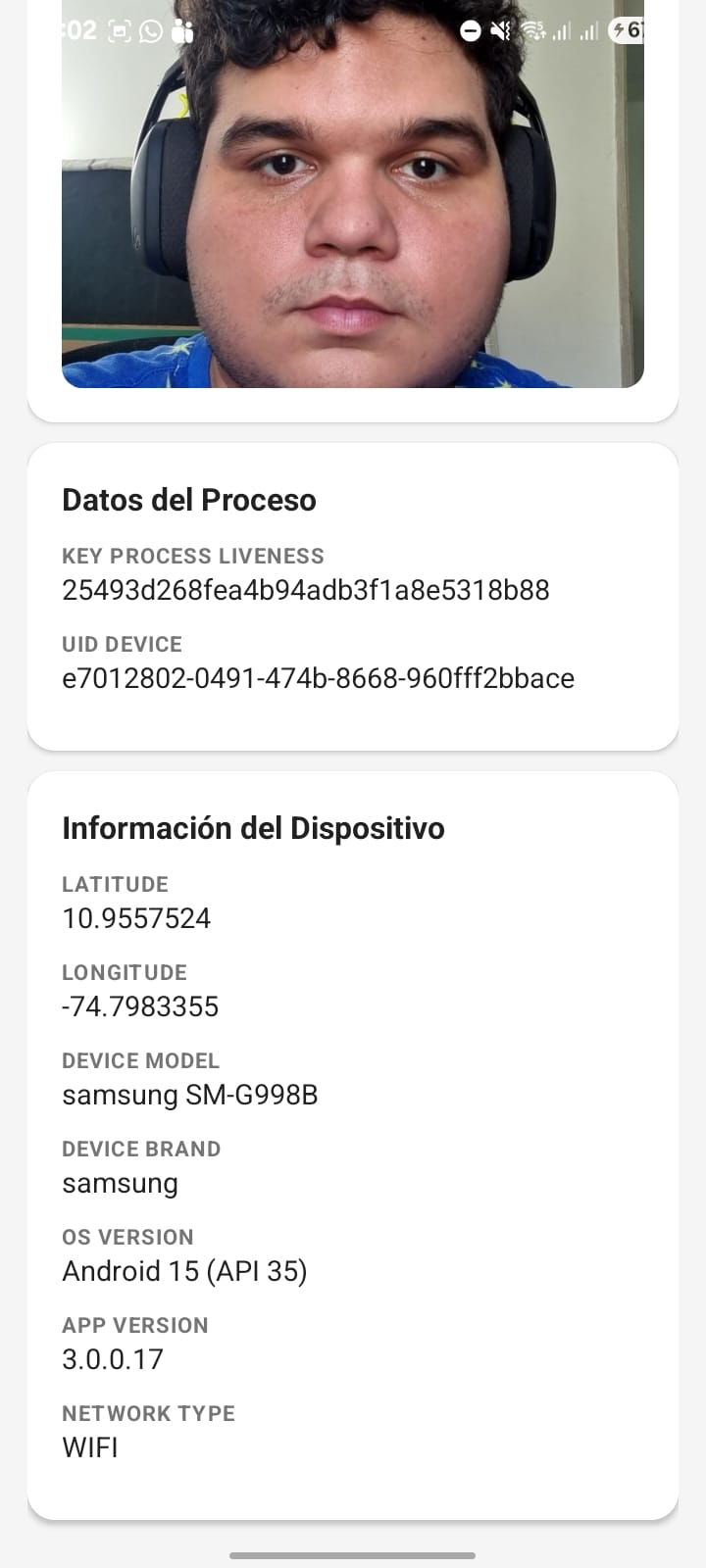
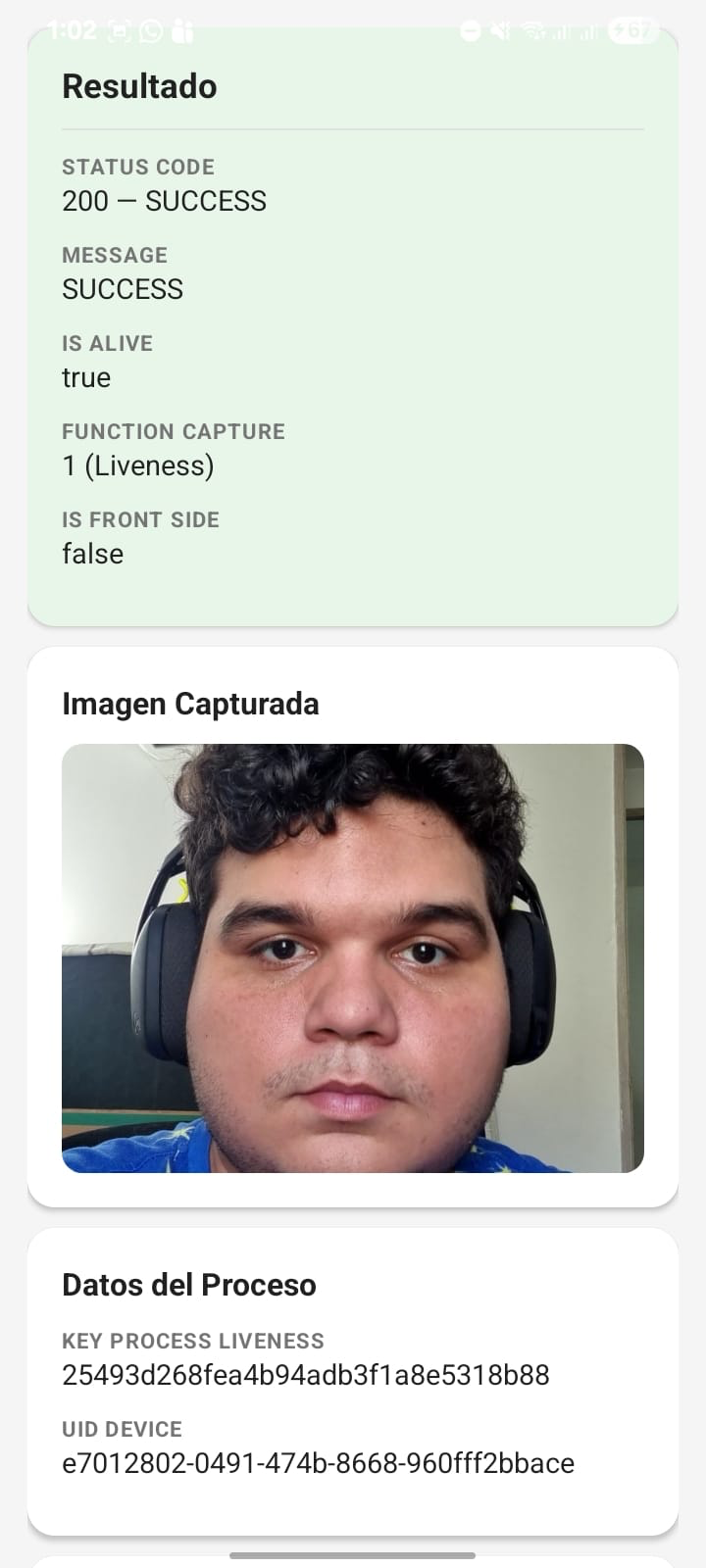
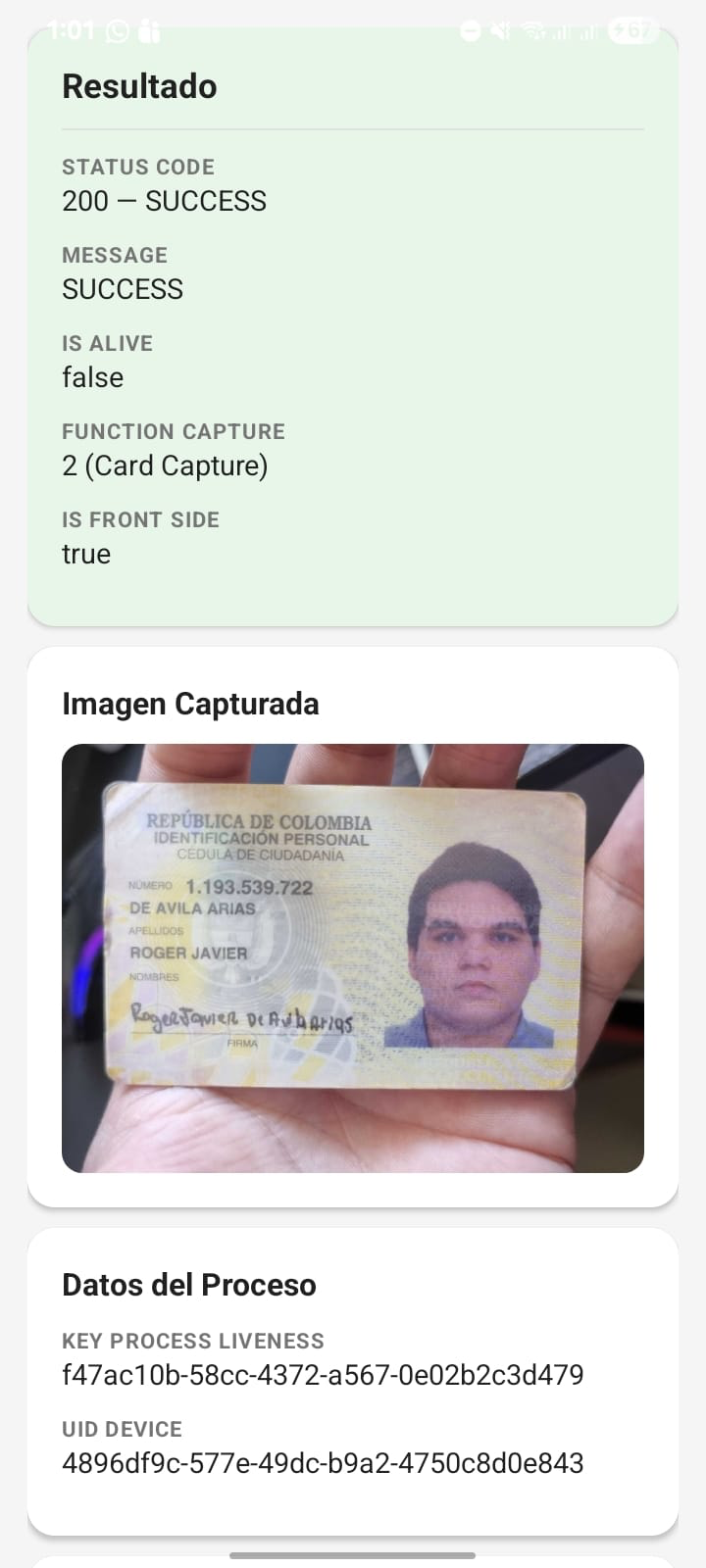
Scanovate Colombia SDK Demo App For Android
This demo app provides a hands-on example to help you understand how to integrate and utilize the SDK in your own applications.