Permissions The SDK declares the necessary permissions in its own manifest. These are automatically merged upon compilation. Manual declaration is not required.
```xml[The SDK offers two invocation methods: the new API (ScanovateSDK) and the legacy API (HybridComponent), which maintains full compatibility with version 3.0.0.x. Both offer the same functionality. See the Backward Compatibility section.](https://github.com/Ado-Tech/demo.components.android/tree/feature-3.0.0.17?tab=readme-ov-file#compatibilidad-con-versiones-anteriores)
> Example > > // Example capture method implementation > > ```java > ScanovateSDK.INSTANCE.start( > this, // Activity > "1", // documentType (String, número > 0) > "es", // language ("es" o "en") > "miProyecto", // projectNameSdk > "mi-api-key", // apiKeySdk > 1, // productId (int > 0) > "https://servidor.com/miProyecto/api/", // urlSdk > "https://tracer.com/api/EventTracer/", // urlTracerBackendService (opcional, "" si no aplica) > "", // processId (opcional) > 1, // functionCapture: 1 = Liveness, 2 = CardCapture > true, // isFrontSide: true = frente, false = reverso > "token", // token (opcional, "" si no aplica) > "", // uidDevice (opcional, el SDK genera uno si está vacío) > new SdkResultHandler() { > @Override > public void onSuccess(ComponentCloseResult result) { > // Captura exitosa > int statusCode = result.getStatusCode(); > String message = result.getMessage(); > boolean isAlive = result.isAlive(); > String image = result.getImage(); // Base64 > String keyProcess = result.getKeyProcessLiveness(); > String uid = result.getUidDevice(); > } > > @Override > public void onFailure(ComponentCloseResult result) { > // Error o cancelación > int statusCode = result.getStatusCode(); > String message = result.getMessage(); > } > } > ); > ``` ##### **Parameters Explained** - **language**: Sets the language for the SDK's UI. - **projectName**: Unique identifier for your project. - **apiKey**: Authentication key provided by Scanovate. - **productId**: Identifies the specific Scanovate product/service being used. - **sdkUrl**: The base URL for making API calls to the Scanovate services. - **Url\_TracerBackendServices**: Url for the event reporting service is not required and is only an extra service. (**Optional**) - **ImmersiveMode: **Mode to make the component consume all available space while hiding the system UI. - **Process\_ID**: Process identifier to perform the events mapped at the SDK level. (**Optional**) - **functionCapture**: Specifies the operation mode of the SDK. - **documentSide**: Determines which side of the document to capture. - **additionalParameters**: Allows for passing any additional required parameters. - **completionHandler**: Closure that handles the response or error from the SDK. ##### **Process Transaction Results** After capturing the necessary data, use the `RetrofitClient` to send the data for validation and display the final state of the transaction to the user. ##### **State Codes Reference** Be aware of the following state codes when processing responses: - `200`: "SUCCESS" - `201`: "THE\_NUMBER\_OF\_CONFIGURED\_ATTEMPTS\_WAS\_EXCEEDED\_AND\_NO\_LIFE\_WAS\_FOUND\_IN\_THESE" - `203`: "TIMEOUT" - `302`: "INTERNAL\_ERROR" - `204`: "CANCELED\_PROCED" - `205`: "PERMISSIONS\_DENIED" - `401`: "TOKEN\_ERROR" - `404`: "INVALID\_CREDENTIALS" - `503`: "CONNECTION\_ERROR" This guide aims to streamline the integration process of the Scanovate Colombia SDK into your Android application, ensuring you can efficiently implement a robust identity validation system. ##### **Demo Application** For a comprehensive example, including full source code demonstrating the integration and usage of the Scanovate Colombia SDK, visit our GitHub repository: [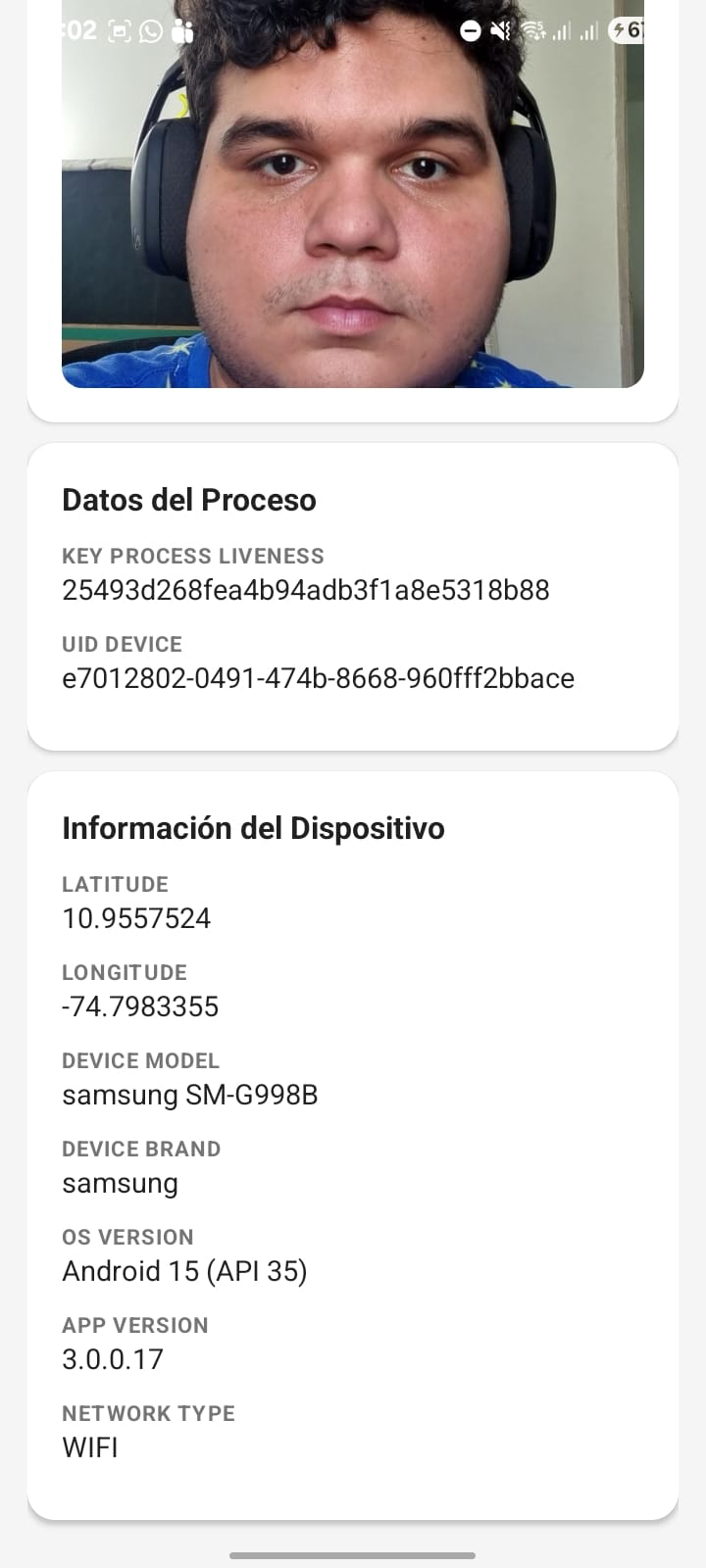](https://docs.ado-tech.com/uploads/images/gallery/2026-02/NgXLYRuezDU4sYRQ-image.png) [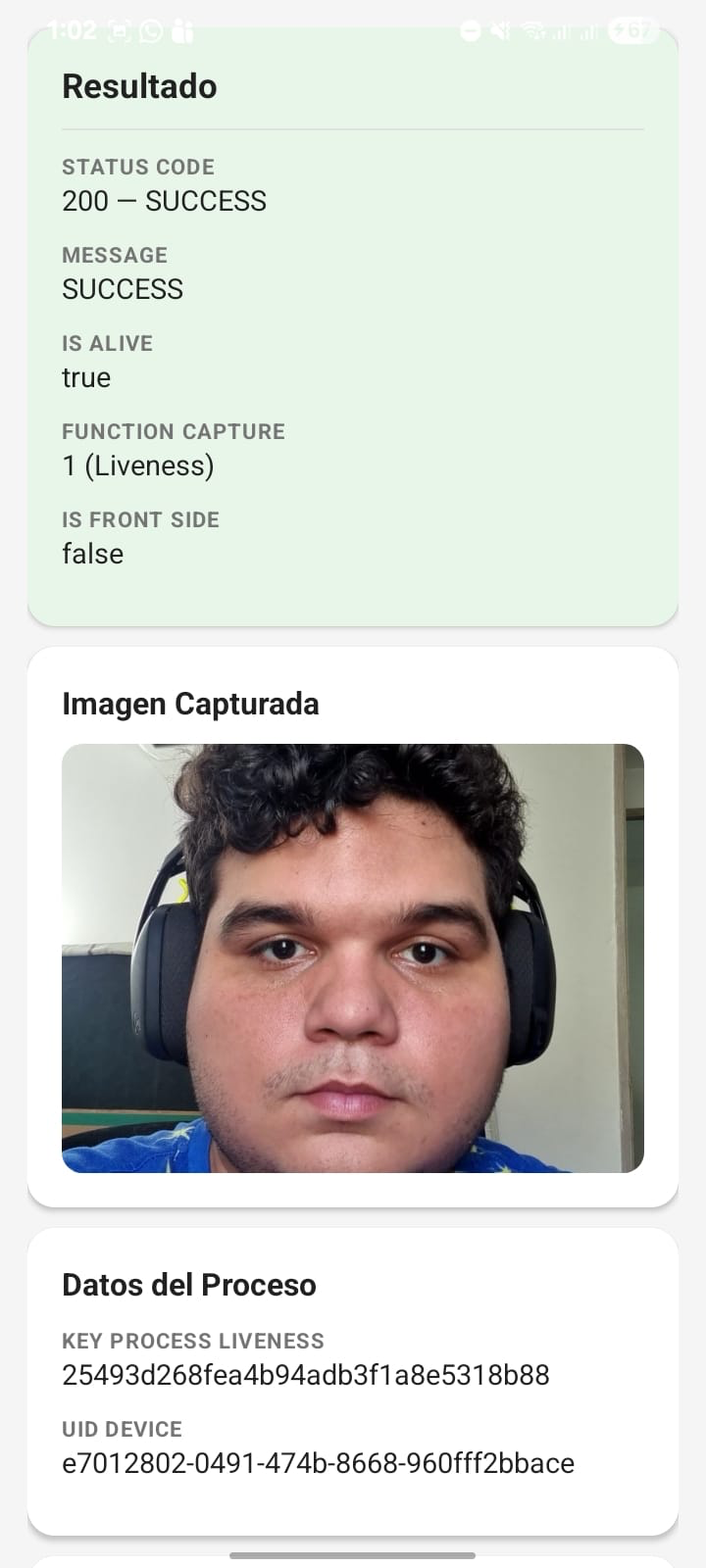](https://docs.ado-tech.com/uploads/images/gallery/2026-02/9EP4rCsUuGie2nPQ-image.png) [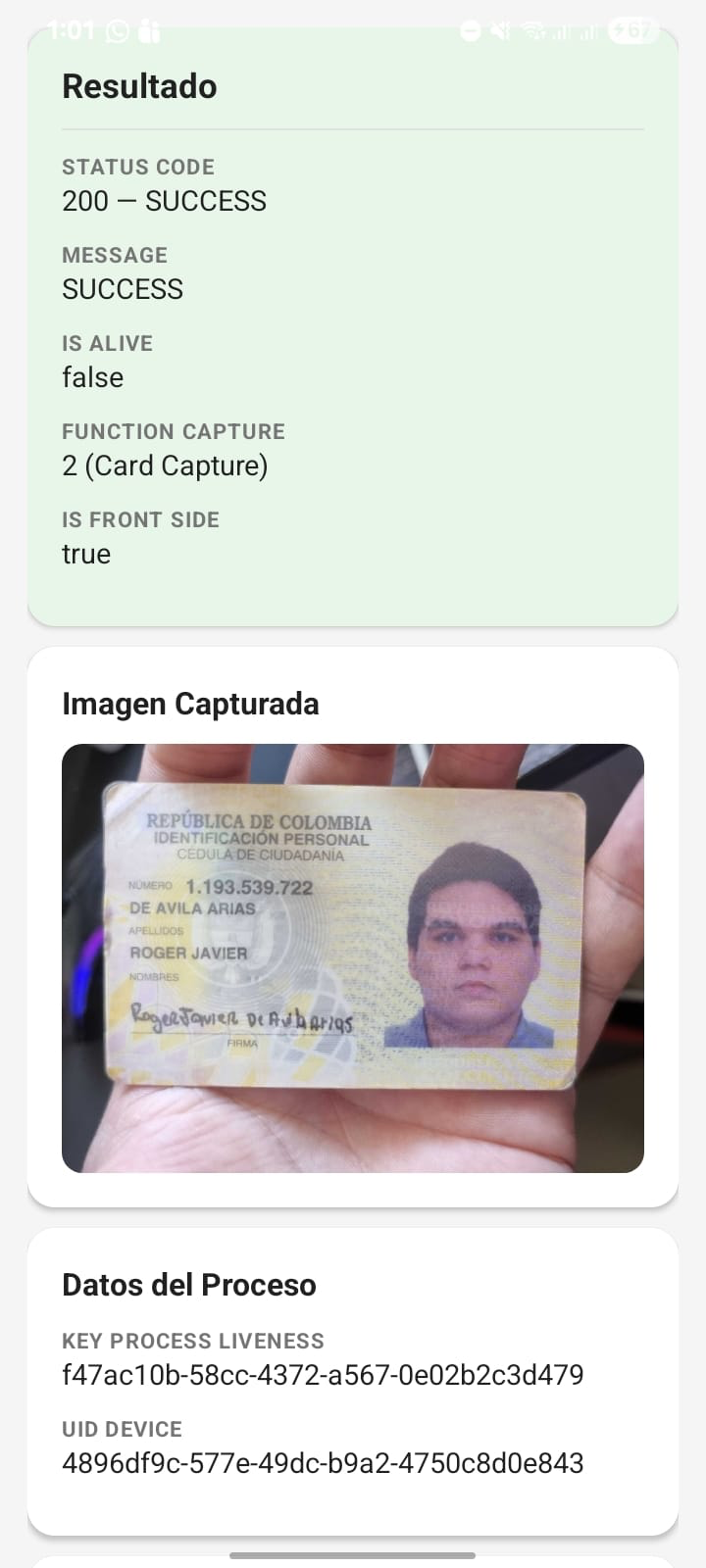](https://docs.ado-tech.com/uploads/images/gallery/2026-02/KjsG9qV8baCdD6RM-image.png) [Scanovate Colombia SDK Demo App For Android](https://github.com/Ado-Tech/demo.components.android/tree/feature-3.0.0.17) This demo app provides a hands-on example to help you understand how to integrate and utilize the SDK in your own applications.